

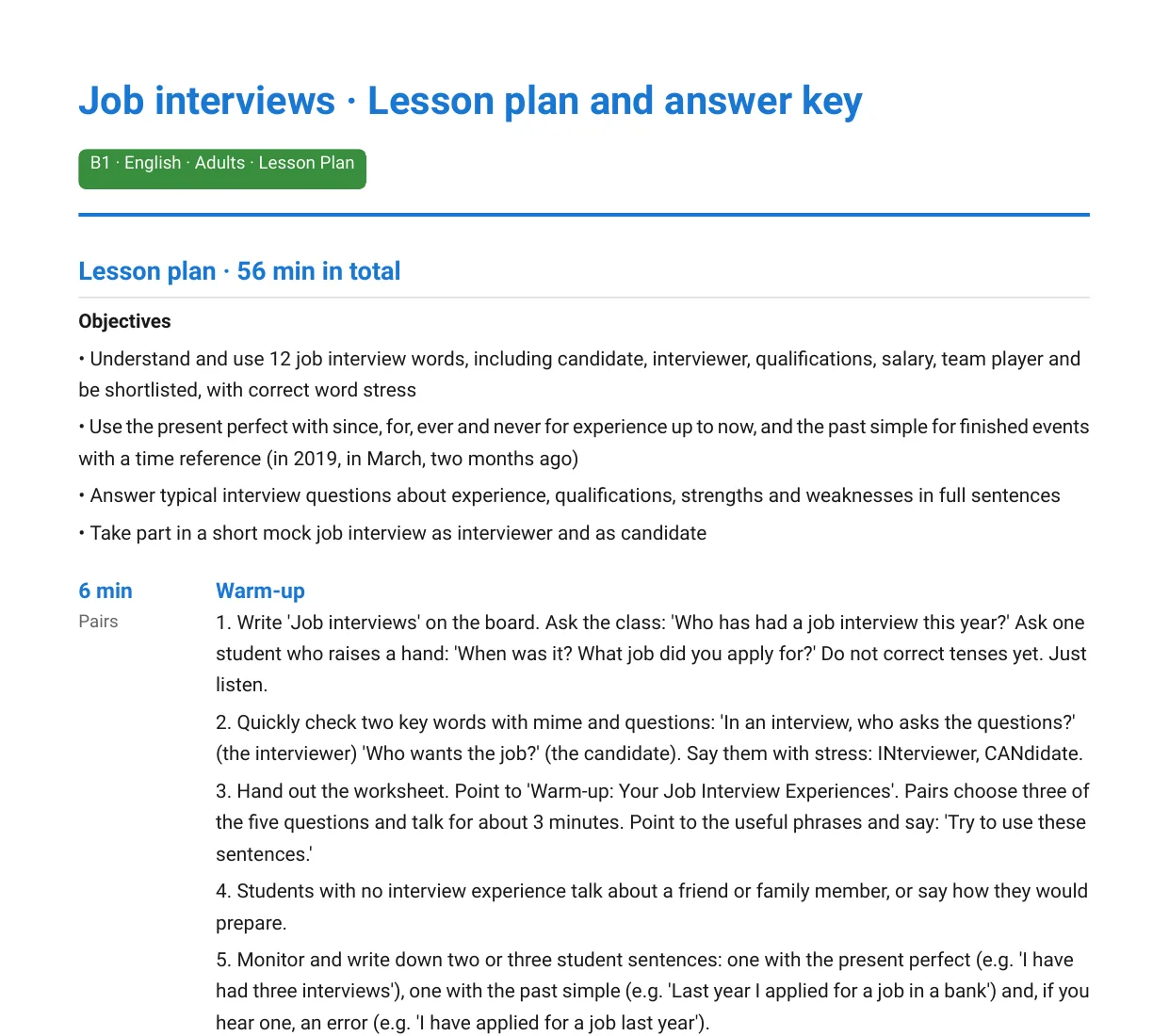
Download a sample lesson plan
This is a real plan Nico generated for B1 adults on the topic "Job interviews", left exactly as it came out of the generator. The teacher PDF has the plan followed by the answer key. The student PDF is the worksheet you hand out.
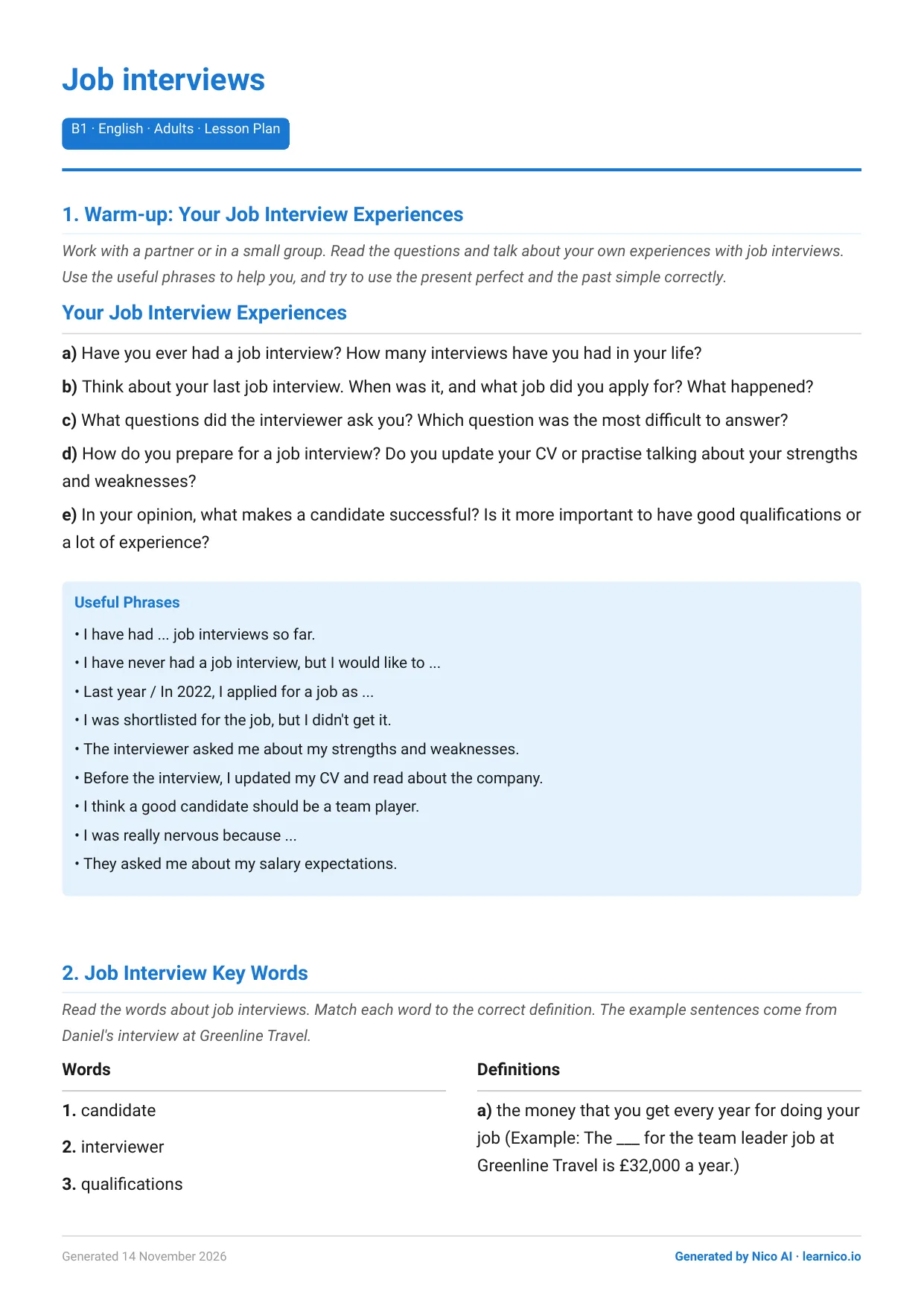
What Nico does when you ask for a lesson plan
Nico is the AI assistant built into Learnico. Ask it for a lesson and it plans one for 45 to 60 minutes, split into five stages: warm-up, presentation, controlled practice, freer practice and wrap-up.
Every stage shows how many minutes it takes, whether students work alone, in pairs, in groups or with you, and what exactly you do, step by step. Below the stages you get what goes on the board, the mistakes your students are likely to make and how to handle them, a task for fast finishers and homework.
The plan comes with the worksheet it refers to, so you don't have to look for exercises that match. You print two PDFs: one for the students and one for your desk with the plan and the answer key.
How an AI lesson plan from Nico is built
Every plan has two to four learning objectives and the same five stages, in this order. A stage can repeat, for example two rounds of controlled practice.
Warm-up
A short activity that gets students talking about the topic and shows you what they already know.
Presentation
The new language: vocabulary or a grammar point, introduced with examples.
Controlled practice
Exercises with one right answer, such as gap fills or matching, so students use the new language accurately.
Freer practice
Speaking or writing tasks where students use the language in their own way, like a role-play or a short email.
Wrap-up
A quick review of what the lesson covered, feedback on common mistakes and the homework.
Before you see the plan, the generator checks it in code: the stages must add up to 45 to 60 minutes, come in this order, and use every exercise on the worksheet. A plan that fails goes back to Nico to be fixed.
In one of our test plans (B1, adults, “Job interviews”), the warm-up is five minutes of pair work. Students ask each other how many job interviews they've had and how the last one went. You listen and write down a few of their present perfect and past simple sentences to come back to when you get to the grammar.
See the full example and how it was made
How it works
From a topic to two printouts.
Describe the lesson
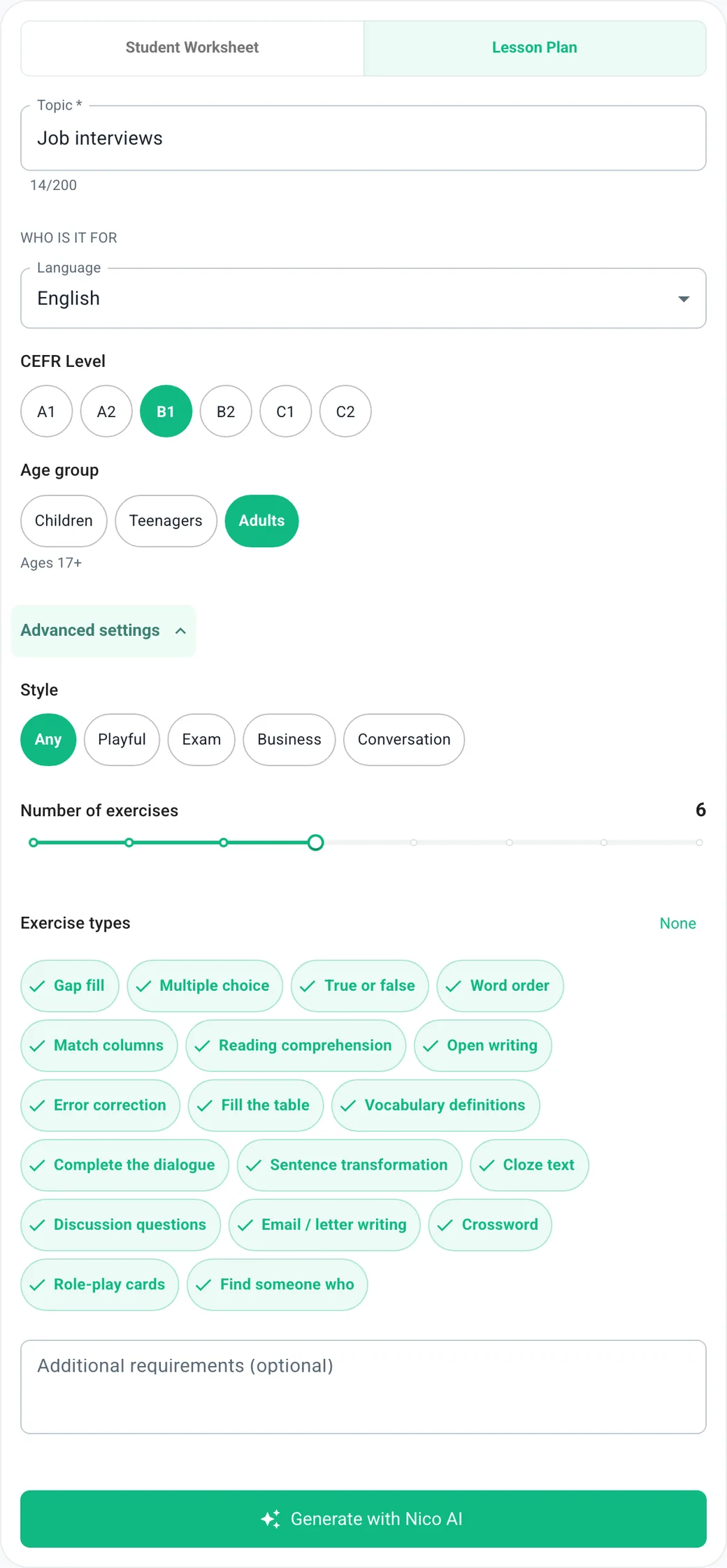
Type the topic and pick the language, CEFR level and age group. Open advanced settings if you want to choose exercise types or a style.
Nico plans and checks it
Nico writes the plan and the exercises, then reviews them: correct answers, language that fits the level, sentences that sound natural. Some checks run in code too, like making sure every gap-fill answer is in the word bank.
Print and teach
Download the student PDF and the teacher PDF with the plan and answer key, or have them emailed to you. With an account, everything is saved in your materials.
What's in the AI lesson planner
All of this works today, in the free public generator and in your Learnico dashboard.
A plan you can teach from
Learning objectives at the top, then five timed stages with step-by-step instructions for you. The stages point to the worksheet exercises they use.
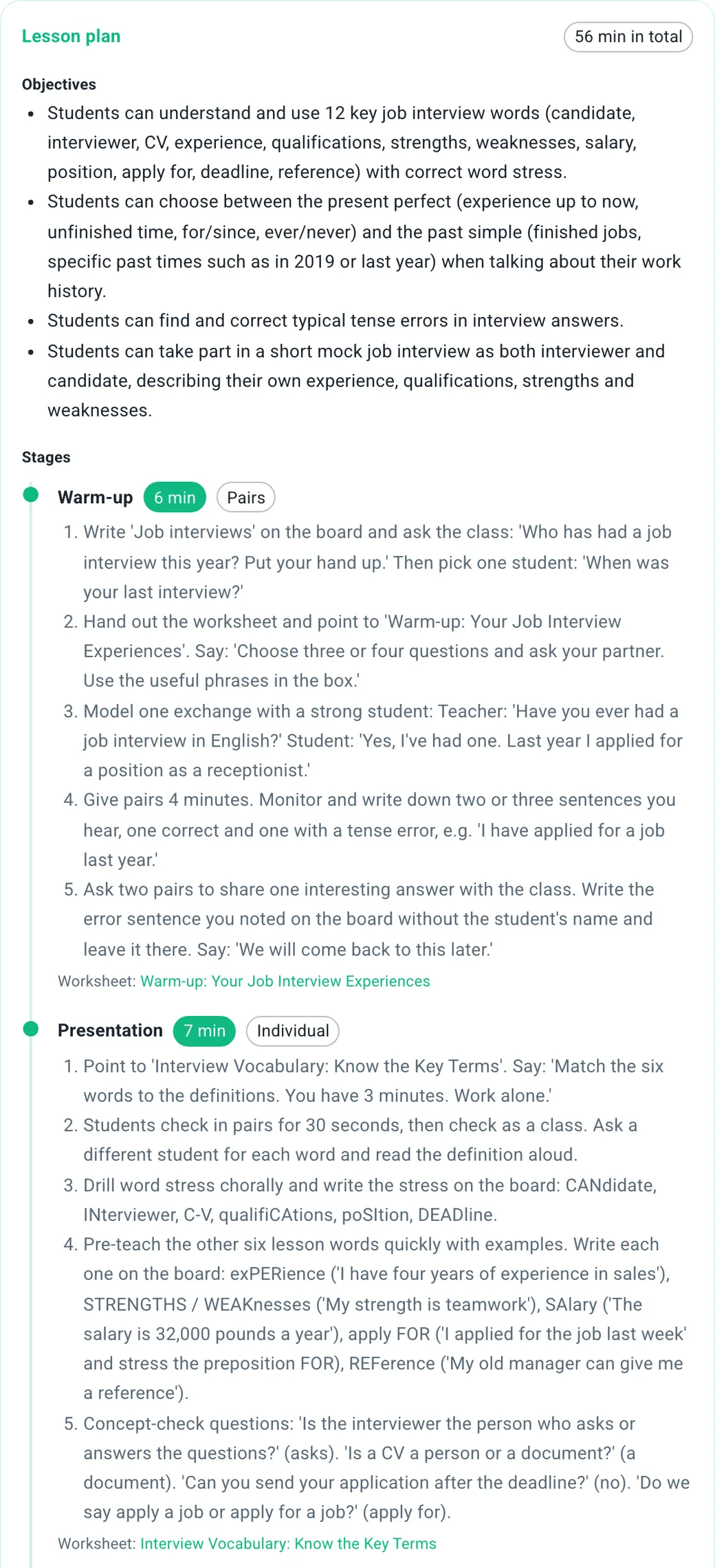
Notes most worksheets leave out
Board work, problems you can expect (for Polish learners, say, "I work here for three years") and what to do about them, a task for fast finishers and homework.
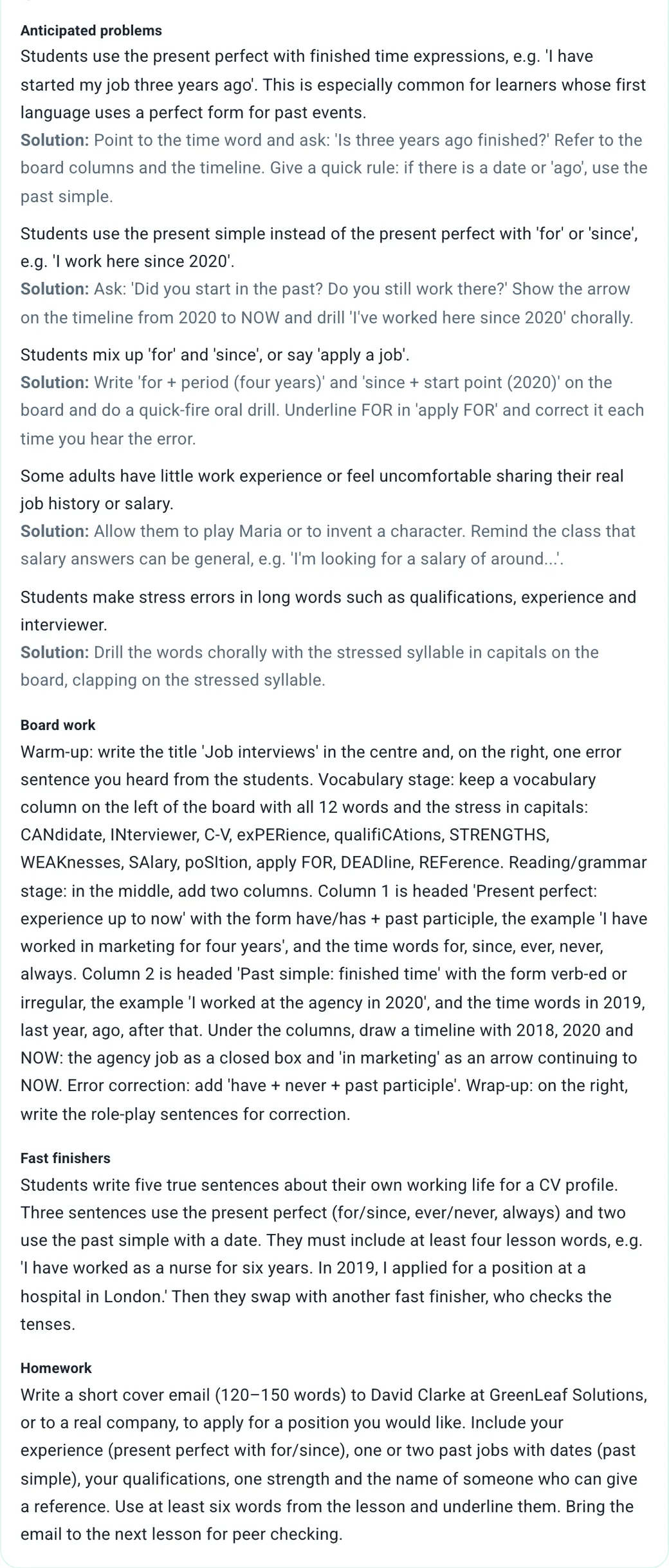
24 exercise types
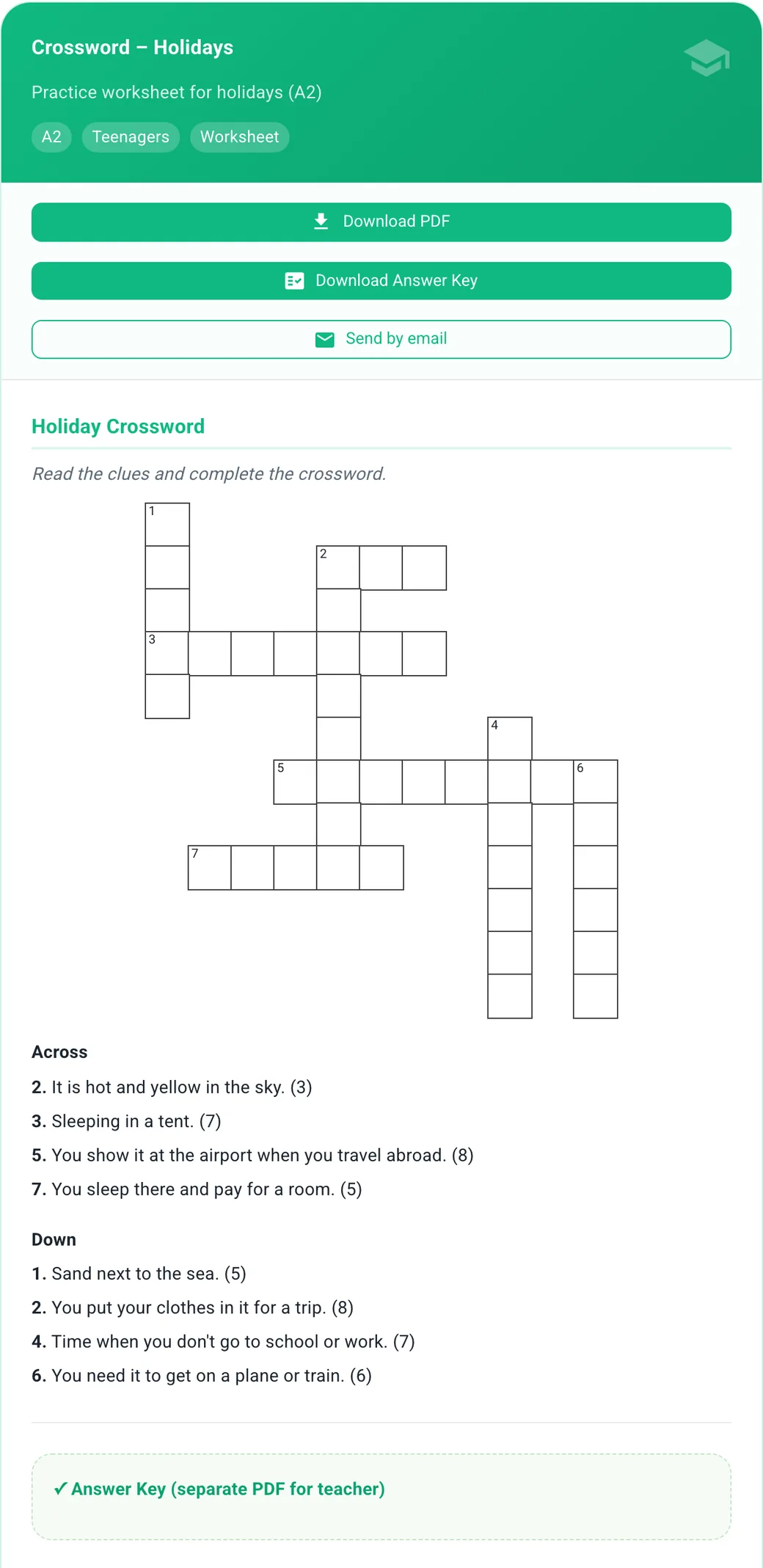
Gap fill, matching, word order, reading comprehension, error correction, crosswords, word searches, role-play cards, "Find someone who" and more. Pick the ones you want or let Nico choose. Worksheets for younger children can include a picture-matching exercise.
Your settings
Choose 3 to 10 exercises and a style: playful, exam, business or conversation. Add your own note, for example "more speaking, less writing".
How to adapt the plan to your group
Treat the plan as a starting point. Nico knows the topic, the level and the age of your students. It doesn't know that nobody has energy for pair work on a Monday evening.
Move the minutes around
Shorten a stage or drop an exercise that won't work for your group. The order of the stages still holds.
Swap one exercise
If something on the worksheet doesn't fit, log in and regenerate that one exercise, or switch it to another type.
Say it's one-to-one
In a private lesson you become the student's partner in pair work. You can also add “one-to-one lesson, no group work” to the additional requirements before you generate.
Nine languages, CEFR A1 to C2
Lessons for children, teenagers and adults. The plan is written in English or Polish, depending on the language you use Learnico in, and the examples stay in the language you teach.
Levels
Age groups
- English
- Spanish
- German
- French
- Italian
- Polish (as a foreign language)
- Portuguese
- Dutch
- Ukrainian
Maths, science and other subjects are on the way
Right now the planner is built for language teachers. We're working on other school subjects. Once they're ready, they'll show up in the same generator.
Questions about the AI lesson planner
Common questions from teachers.
Which languages and levels does it cover?
English, Spanish, German, French, Italian, Portuguese, Dutch, Ukrainian and Polish as a foreign language, at every CEFR level from A1 to C2, for children, teenagers and adults.
What exactly do I get?
A 45 to 60 minute plan with five timed stages and step-by-step instructions, notes on board work, likely mistakes, fast finishers and homework, plus a worksheet and an answer key. The student PDF has the exercises. The teacher PDF has the plan followed by the answer key.
How long does it take to get a lesson plan?
Usually a minute or two. A progress bar shows what Nico is working on: planning the exercises, writing them, checking them and putting the plan together.
Is the plan checked before I get it?
Yes. Nico reviews the answers, the level of the language and how natural the sentences sound. The code also checks that the stages add up to 45 to 60 minutes, that they come in the right order and that every exercise is used. Anything that fails is sent back and fixed.
Can I change what Nico made?
When you're logged in, you can regenerate any single exercise and switch it to another type, say a crossword in place of multiple choice. You can also rate each material and leave a comment. Treat the plan as a starting point: Nico knows the topic, level and age of your students, but you know your group.
Does it work for one-to-one lessons?
Yes. The plan is written with a group in mind, so in a one-to-one lesson you take the partner's role in pair work. You can also add "one-to-one lesson" in the additional requirements before generating.
Can I ask Nico in a chat instead of filling in a form?
Yes. In your Learnico dashboard, tell Nico what you need for tomorrow's lesson. It puts the material together, saves it in your materials, and can swap an exercise afterwards if you ask.
Does it work for maths or other subjects?
Not yet. The planner is built for language lessons today. Other subjects are in the works and will appear in the same generator.
Can I see a sample before I try it?
Yes. On this page you can download a real B1 plan on job interviews, with the teacher PDF (plan and answer key) and the student worksheet, exactly as the generator made them.